
What Can Actually Be Automated in a Home Service Business?
Many home service business owners hear the word “automation” and assume it means complicated software, expensive systems, or replacing staff.
In reality, most automation in a home service company focuses on very practical tasks, the repetitive steps that slow down the office and create small gaps between the first phone call and the completed job.
If you’ve ever wondered what can realistically be automated, here’s a breakdown.
1. Call Handling and Missed Call Response
Calls don’t always come in at convenient times. When the office is busy or after hours, missed calls often turn into lost jobs.
Automation can:
-
Respond to missed calls immediately with text follow-ups
-
Capture basic job information automatically
-
Route calls based on service type
-
Send confirmations instantly
This doesn’t replace your office team, it simply ensures no opportunity slips through the cracks.
2. Appointment Scheduling and Confirmations
Scheduling often requires multiple calls, texts, or back-and-forth emails.
Home service automation can:
-
Allow customers to request appointments online
-
Send reminders before service
-
Reschedule efficiently without repeated phone calls
This reduces manual coordination and prevents scheduling errors.
3. Job Information Capture
Technicians perform best when they arrive with complete information.
Automation can:
-
Capture service details upfront
-
Store customer history in one place
-
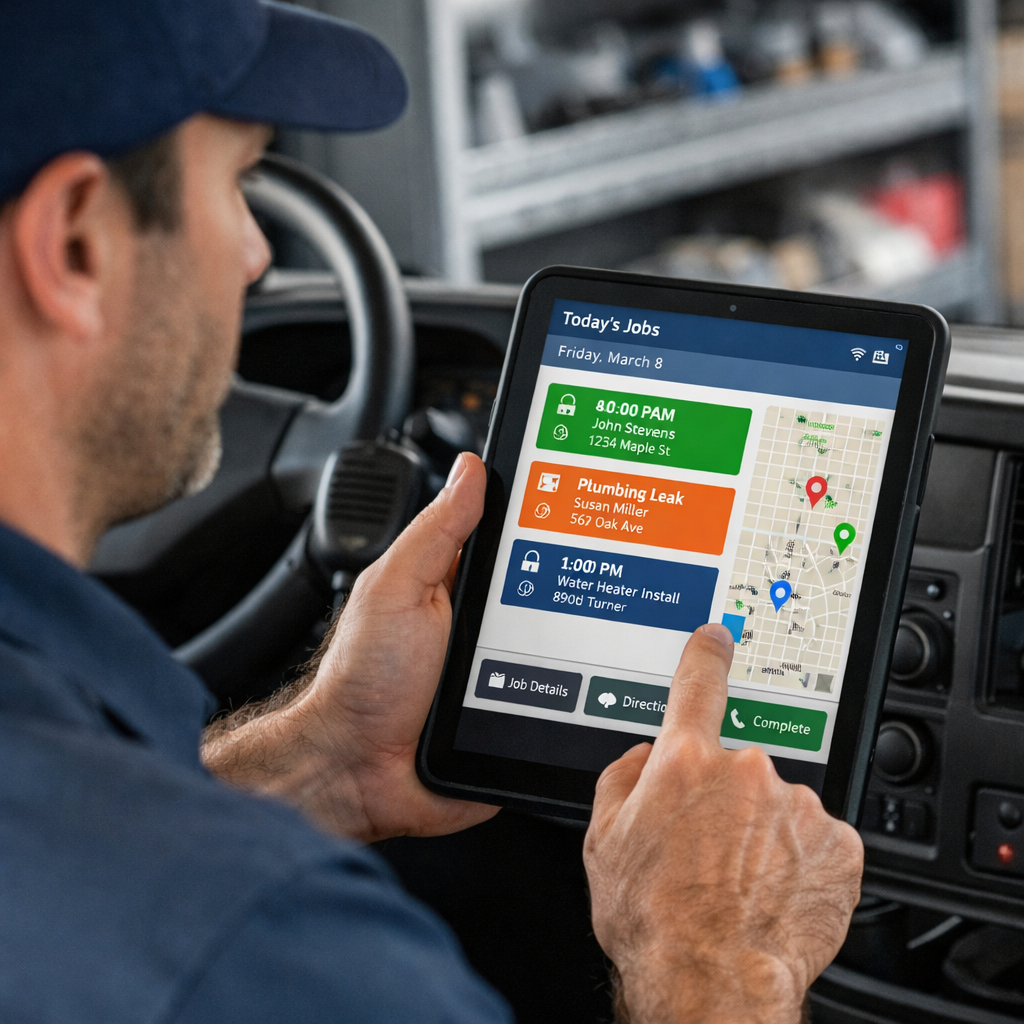
Send job summaries directly to the technician
-
Reduce duplicate data entry
This improves efficiency in the field and reduces callback mistakes.
4. Dispatch Communication
As a business grows, communication between the office and the field becomes more complex.
Automation can:
-
Notify technicians instantly of schedule changes
-
Update job status automatically
-
Trigger follow-ups once a job is completed
Instead of constant manual updates, the system keeps everyone aligned.
5. Customer Follow-Up
Many businesses lose repeat work simply because follow-up is inconsistent.
Automation can:
-
Send post-service thank-you messages
-
Request reviews automatically
-
Trigger future appointment reminders
These small touches increase retention without increasing workload.
6. Internal Workflow Tracking
Beyond customer-facing systems, automation can help internally.
For example:
-
Flagging delayed invoices
-
Alerting managers when tasks stall
-
Monitoring response times
When workflows are visible, bottlenecks become easier to fix.
Automation Isn’t About Replacing People
One of the biggest misconceptions is that automation eliminates jobs. In home service businesses, automation works best when it supports your team.
It removes repetitive tasks so your staff can focus on:
-
Customer relationships
-
Problem solving
-
Revenue-generating work
The goal is smoother operations, not fewer employees.
Where Most Businesses Start
You don’t need to automate everything at once.
Most companies begin by addressing:
-
Missed call response
-
Scheduling friction
-
Technician handoff issues
Small improvements in these areas often produce noticeable gains in both efficiency and revenue.
Final Thought
Home service automation doesn’t need to be complicated or disruptive. When applied thoughtfully, it simply removes friction and strengthens the systems you already rely on.
If you’re unsure where automation would help most in your operation, a short workflow review can often identify simple opportunities for improvement.
Schedule a Strategy Call →